How to get your business found on Google locally
A practical review of your business information, service pages and the experience local customers find online.
When someone looks for a local business, they need accurate information about the service, location and next step. Your website and business listings should help them answer those questions without piecing together details from several places.
Search visibility is not guaranteed by a checklist. The following is a practical way to review the information you control, rather than a promise of a particular ranking.
If you have not set up a profile or checked whether your website is indexed yet, start with getting your business on Google. This guide focuses on improving what customers find once those foundations are in place.
Check your business information
If the profile or website seems to be missing altogether, first diagnose why your business is not showing on Google. Improving visibility and fixing an indexing or verification issue are different jobs.
Review your business name, contact details, opening hours and website address wherever you publish them. Correct old phone numbers, expired offers and links to pages that no longer exist.
If you have a Google Business Profile, check that its details accurately represent the business. Describe the services you genuinely provide and the areas you actually cover. Follow the platform's current eligibility and listing guidance when setting it up or making changes.
Keep a note of who has access to the account, so updating the profile does not depend on an employee or supplier who has moved on.
Make the website useful to a local customer
Explain each service clearly enough for someone unfamiliar with your business to understand what is included. Where services need different explanations or examples, separate pages may help visitors find the relevant detail.
Page titles and headings should make the service easy to recognise, with locations included where they help explain who you serve. Repeating town names throughout the page rarely adds anything useful for the person reading it.
Practical information is often valuable: whether you travel to customers, how appointments work, where to park, or which types of enquiries you can handle.

Use genuine evidence
Photographs of your own work, premises or team help visitors understand the business. Add context to project examples, including the type of work and location where appropriate.
Invite customers to leave honest feedback without incentives or pressure to give a particular rating. Reply professionally and avoid sharing private customer details in a public response.
The purpose is to give future customers useful evidence, not to manufacture a perfect-looking profile.
Review the experience on a phone
Open your site on a smaller screen and complete the same journey a customer would take. Find a service, read its details and try the contact route.
Check for oversized images, awkward navigation, text that needs zooming and forms that are difficult to complete. Test that an enquiry reaches the intended inbox. These checks matter even when visitors already know your name.
Decide whether location pages would help
A location page is useful when you have something specific to say about working in that area. That might include relevant projects, travel arrangements or services available there.
If the only difference would be a town name, a clear service-area section may be more helpful. The aim is to answer a customer's question, not to create a large collection of nearly identical pages.
Understand what you can and cannot influence
Google explains that local results depend mainly on relevance, distance and prominence or popularity. Complete, accurate information helps it understand the business, but a website cannot change how far your premises are from the person searching. There is no payment that guarantees a better local ranking. See Google's explanation of local ranking.
That is why checking your own position once on your phone is not a reliable report of what every customer sees. Their location and query may be different. Focus on whether your business information is correct and whether the pages answer the searches that genuinely relate to your services.
Do not add an address simply to appear in another town. Describe the real way the business operates, and check the current Business Profile rules if customers do not visit your premises.
Build a page around a real local enquiry
Imagine someone looking for a bathroom renovation company. Before contacting one, they may want to see completed bathrooms, understand whether the company handles plumbing and tiling, and learn how a survey is arranged.
A useful page could explain those points in that order, with photographs and a clear enquiry route. It might also say which nearby areas are covered and whether customers need to supply their own fittings. A paragraph repeating “bathroom renovation” and the town name would not answer those questions.
The language your customers use in enquiries is a useful starting point for these explanations, without needing to repeat the same phrase in every paragraph. Links between distinct services also help someone who arrives on the wrong page find what they need. Our business website service explains how that structure can be planned as part of a build.
Choose photographs that help someone recognise the business
For a shop or studio, show the entrance as a customer will see it from the street. An interior image can help people understand the space, while product or service photographs show what they can expect.
For a business that travels to customers, project images may be more relevant than a photograph of an office. Explain what the work involved without disclosing private details. Get appropriate permission before identifying a customer or their home.
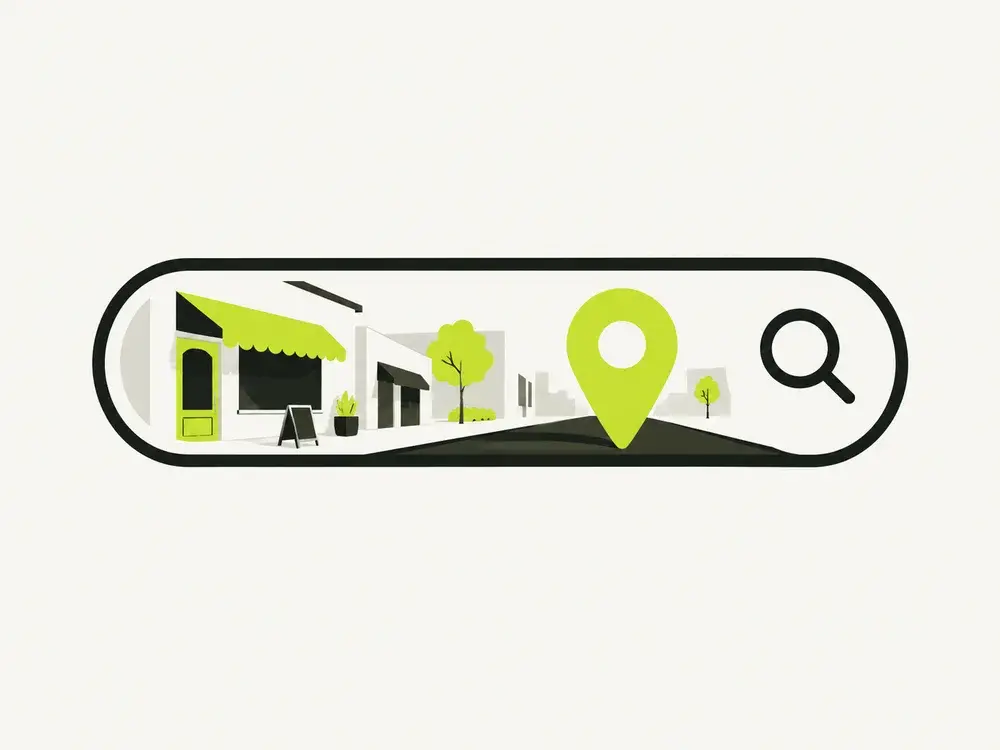
The illustrative shop image in this guide shows the kind of context an entrance photograph provides. It is not evidence of a client project. For your own business listings, use genuine photographs rather than generated scenes that imply premises or work you do not have.
Check discovery separately from enquiries
Search Console can help you investigate how your website appears in Google Search. That is a different question from whether someone who visits then contacts you. A page can receive impressions without many clicks, and it can receive visits without suitable enquiries.
When reviewing a page, note its purpose and the type of customer it should help. Compare the information shown in search with what the page actually delivers. If the title promises a service you barely explain, improve the page before chasing more visitors.
A sitemap helps describe the pages available, but submitting one is not a promise that every URL will be indexed or ranked. Google's SEO starter guide explains discovery and the limits of SEO changes. Be cautious with anyone promising a guaranteed position or a fixed number of days to reach it.
A small monthly review you can maintain
A short, repeatable review is easier to maintain than an occasional attempt to overhaul everything. It can cover opening hours, contact links and a test of the enquiry form, followed by any recent work worth adding and old offers or services that need removing.
Keep a brief change log with the date and reason for each improvement. This makes conversations with a supplier more useful than repeatedly asking whether rankings have gone up. If you need help with the foundations, the Google and SEO setup page sets out the work involved.
Keep a manageable review routine
After launch, check business details when they change and review the website periodically. Search Console and other reporting tools can help you see how pages are being discovered, but enquiry quality matters alongside visitor counts.
Record what you change and give yourself a consistent way to assess it. If you commission further search work, ask what will be delivered, how it will be measured and which outcomes cannot be guaranteed.